01 · LEFT HAND
Choose what to play
Raise a gesture to choose a place in the key. Think of each shape as a sound button, not a music theory test.
Gesture Synth School
A visual, step-by-step guide to turning two hands into a browser instrument. No sheet music required.
Start with the idea
01 · LEFT HAND
Raise a gesture to choose a place in the key. Think of each shape as a sound button, not a music theory test.
02 · RIGHT HAND
The right hand is required. It starts the left-hand chord, chooses its voicing and octave, and controls volume and filter.
03 · BOTH HANDS
In Guide mode, match both target shapes while the beat and chord chart move through the song.
Left hand · What to play
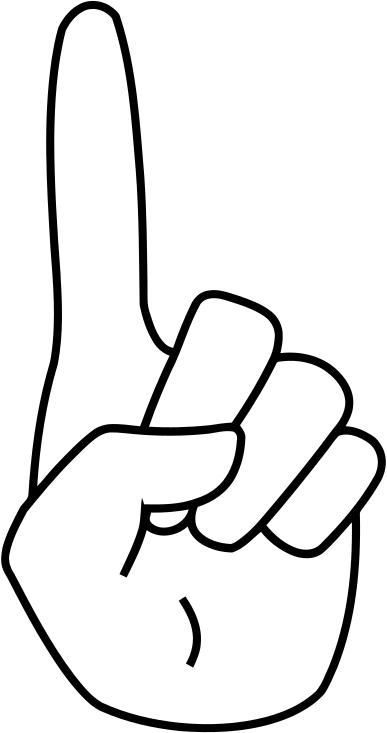
Index finger
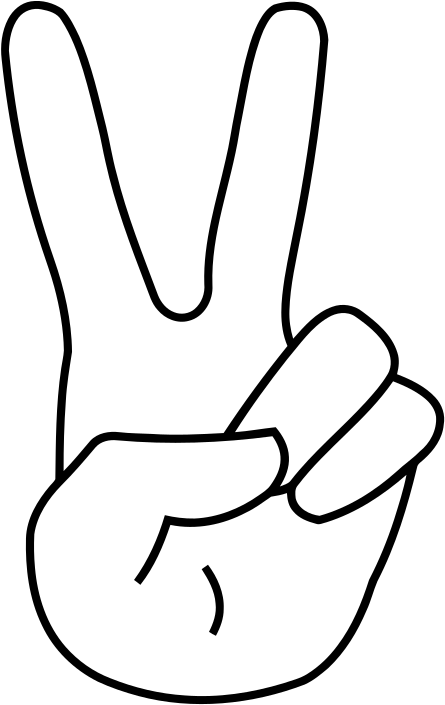
Index + middle
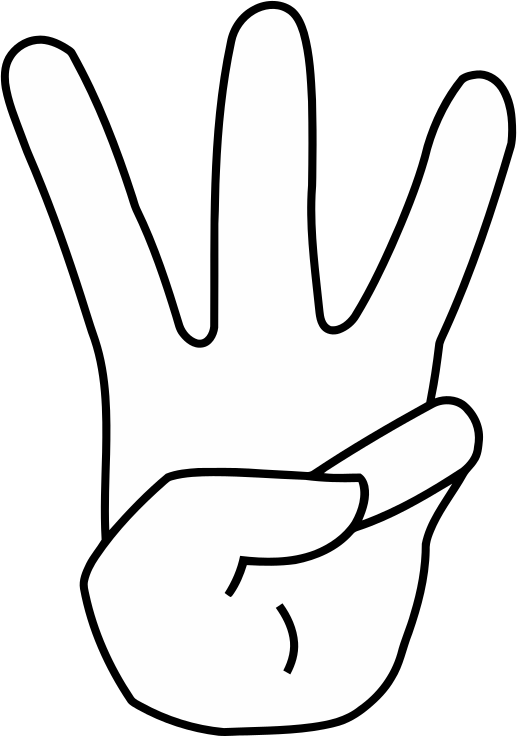
Index + middle + ring
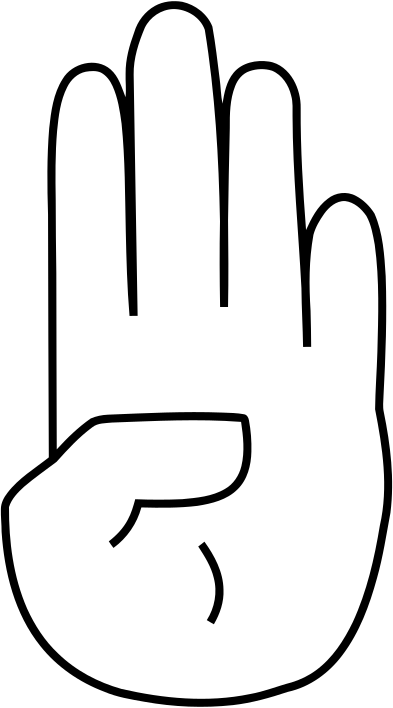
Index + middle + ring + pinky
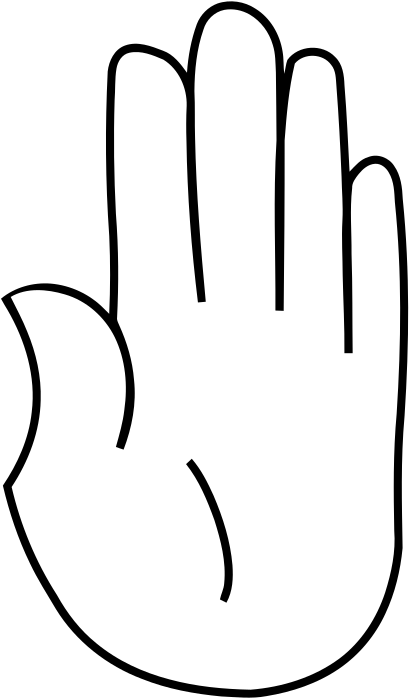
All five fingers
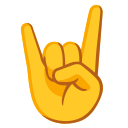
Index + pinky
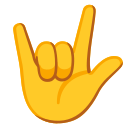
Index + pinky + thumb
Right hand · How it sounds
One non-thumb finger is the root-position chord, two is first inversion, three is a seventh chord, and four is dominant or diminished seventh. Extending the thumb lowers the result by one octave. Move higher for louder, lower for softer, and tilt inward for more filter or outward for less.
The right hand is required: the left hand chooses the chord, and the right hand starts and shapes its sound.
Practice a whole song
Guide mode keeps the complete lyric line visible, highlights its current scored segment, draws the exact left-hand target and uses any clear right-hand shape to open the sound.
Choose a guided songReady?
Allow the camera when you are ready. Your palm or the back of your hand may face the camera; keep your right hand visible to start the sound.